Opening a new office, onboarding a new team or launching a project is exciting, but the first weeks are often taken up by one question: do we have everything people need to start working? Missing a monitor, a printer or enough chairs can delay a whole team.
Use this practical checklist to plan the equipment for a new office or team, and to decide what makes sense to rent rather than buy.
1. Computers for every role
Start with the devices your people use every day. Match the specification to the work, not just the job title.
- Laptops for people who move between home, office and client meetings.
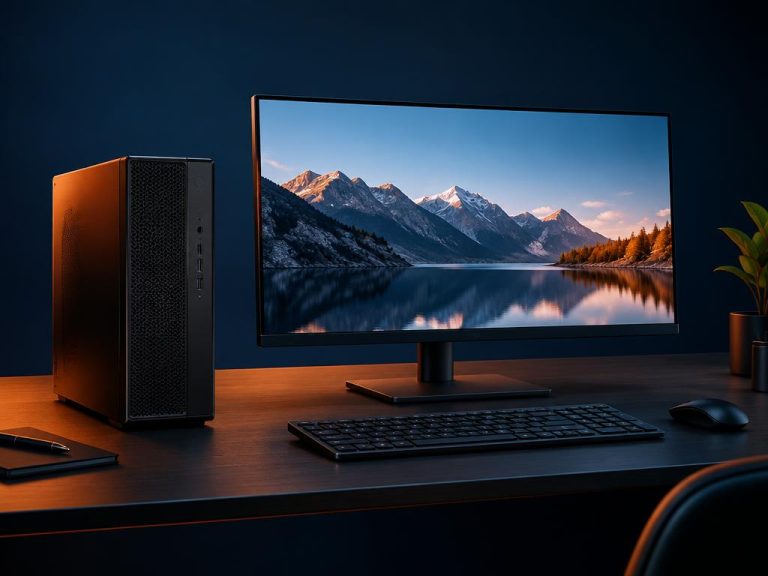
- Desktop PCs for fixed workstations such as reception, finance or customer service.
- Workstations with more processing power and memory for design, engineering or data work.
Note the processor, memory (RAM), storage and screen size each role needs. This makes quotes faster and avoids paying for power people will not use.
2. Screens and accessories
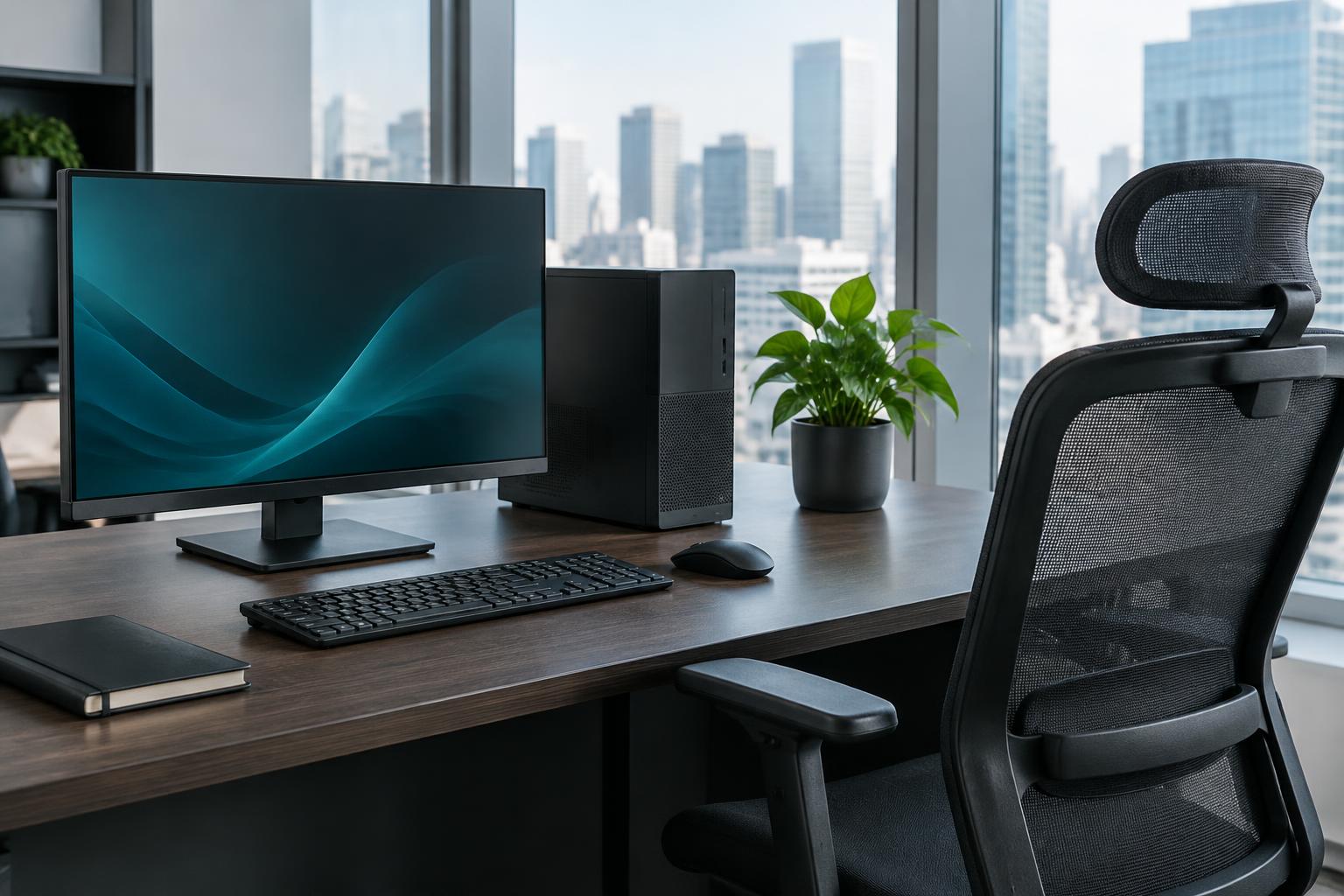
A second monitor can make everyday tasks such as working with spreadsheets, writing reports or handling customer requests much easier. Remember keyboards, mice, docking stations and headsets for calls.
3. Furniture and workspace
- An ergonomic chair and a desk for each person.
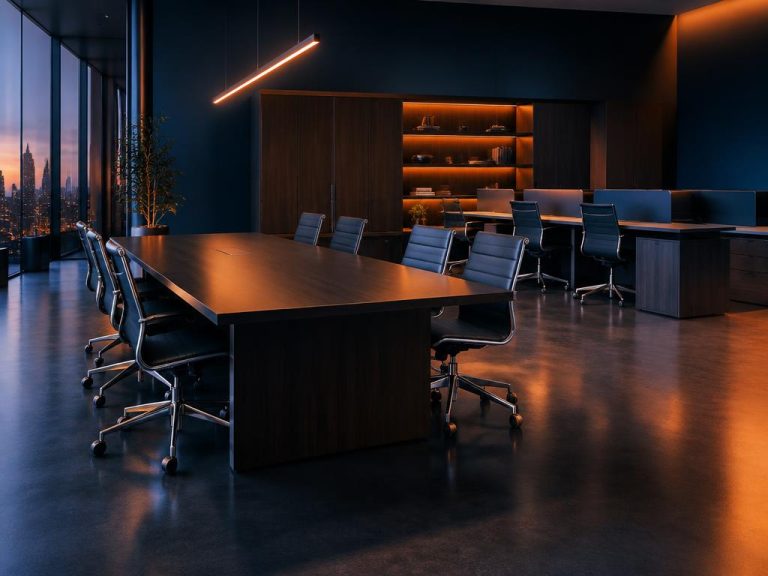
- Meeting tables and visitor chairs.
- Lockable pedestals and filing cabinets for documents.
4. Shared office equipment
Most offices also need equipment that the whole team shares:
- A printer or multifunction printer for printing, copying and scanning.
- A meeting room display or video conference kit for presentations and online meetings.
- Business Wi-Fi and a network switch sized to the number of users.
- A UPS (uninterruptible power supply) to keep computers and network running during short power cuts.
5. Decide what to rent and what to buy
Renting is especially useful when:
- Your team is growing and headcount is likely to change.
- You are equipping a project or temporary team for a set period.
- You want to keep capital available instead of making a large upfront purchase.
- You prefer equipment to arrive delivered and set up, ready to use.
6. Plan the timeline
Work backwards from the day your team starts. Leave time to confirm quantities and specifications, receive a quote, agree terms, and have everything delivered and installed before the first working day.
Quick checklist
- Number of people and their roles.
- Laptops, desktop PCs or workstations, with specifications.
- Monitors and accessories.
- Desks, chairs, meeting tables and storage.
- Printers, displays, networking and power backup.
- Start date and expected rental duration.
Get your office ready with Rentecore
Rentecore rents business laptops, desktop PCs, office furniture and office equipment on flexible terms, delivered and set up for your team. Share your checklist with us through the Request a Quote page and we will prepare a tailored rental proposal.